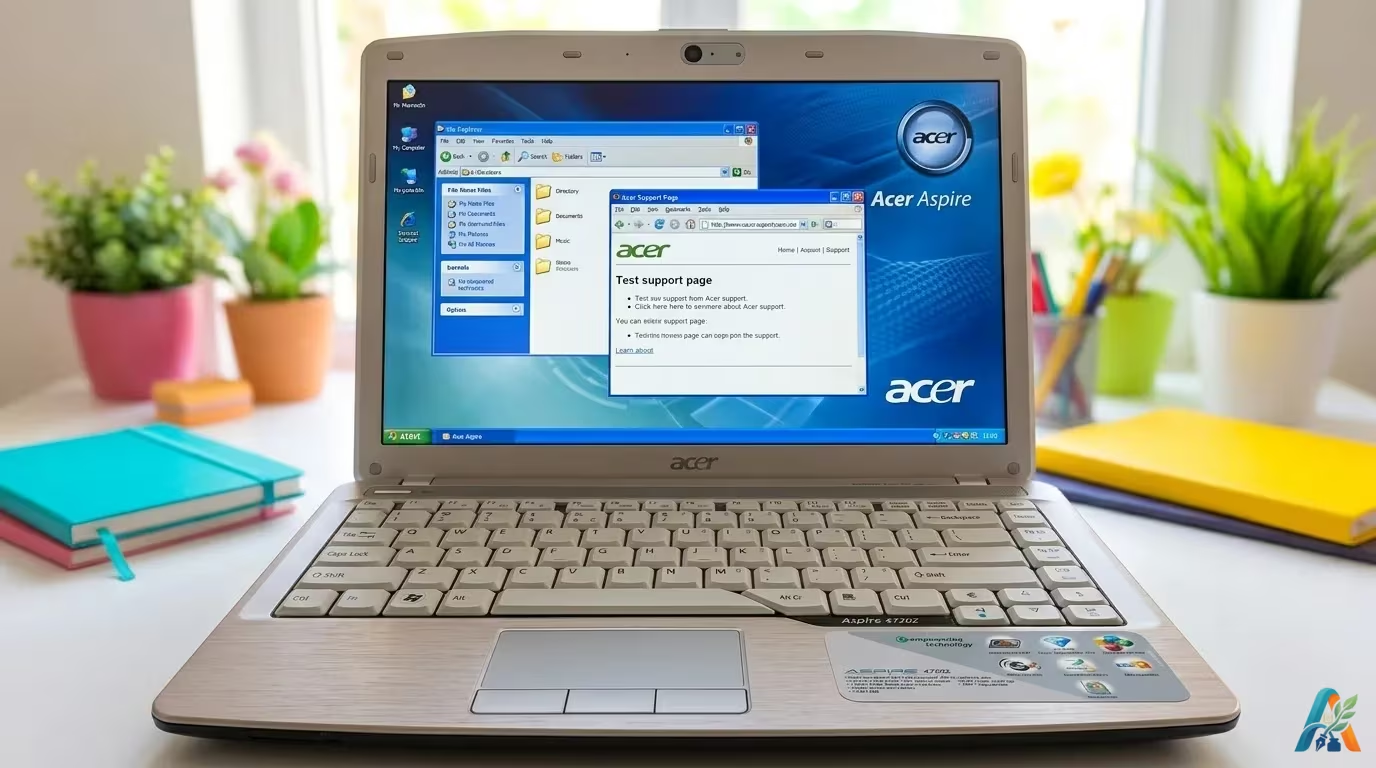
I have a problem with my Acer notebook. The sound driver included in the CD ROM can not be installed properly. Everytime I try to install it, my Windows XP Service Pack 2 stop responding and shown a message tell me that it could not be performed. The installation files seem like have been corrupted.
I am able to solve the issue after did some trial and error. The problems actually are so simple. Finally I got Acer realtek high definition audio driver work on my 4720z notebook. If you have same problem, please install the sound driver first before trying to install the other drivers. Yes! Do not run the other installers like graphics drivers, modem drivers, wireless LAN drivers, USB 2.0 drivers, SATA drivers, webcam drivers, and anything else, before the sound drivers.
Ok, may this article help you solve the problem. If you have any related problems, feel free to post them here. The commenting form has been made for you 




i’m tired from this laptop
Thank you very very very very much dear, You are the best, ur article helped me a lot as I was facing this prob…
Thank you, man… You are the best… I love your website!
so how if we already instal all before da sound driver? should we uninstal the other first or what? need ur advice …
in this case, you can't do anything but re-install your windows.
Go to Device Manager, under the system folder, disable ms uaa
high definition bus driver and uninstall . you will be able to install the realtek driver. reboot and enjoy.
THXXXXXXXXXXXXXXXX
thanks alot…!!!!!
love u..
Thankx man,ur article worked for me,gr888.
eh uma bosta esses acer,sempre um driver nao funciona
hey you are very kind for
thxxx